14. Your profile
Who: everyone. Each person can change their own details and password.
Click your name in the top bar to open your profile.
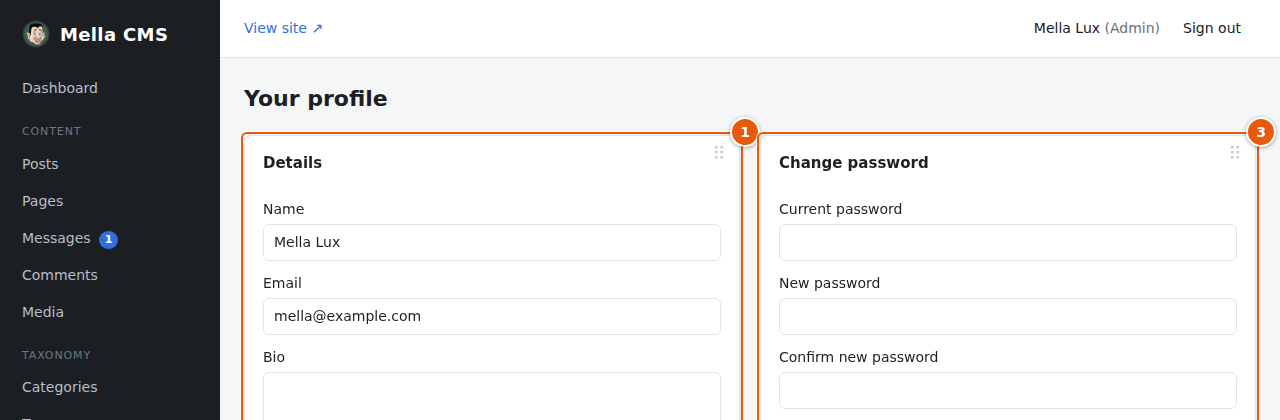
Details:
- Name: shown as the author of your posts.
- Email: the address you sign in with. Change it here when it changes.
- Bio: a short text about you, shown on your author page on the site.
- Admin language: the language of the admin screens. Automatic (browser language) follows your browser; or choose English or Eesti. It does not change the language of the site.
Press Save profile.
Admin language (the menu inside Details).
Change password: type your current password, the new password (at least 8 characters) twice, and press Change password. All your other sessions (for example on another computer) are signed out; you stay signed in here.
Choosing a good password
- Use a long phrase of several words rather than a short, complicated word.
- Do not use the same password anywhere else.
- A password manager makes this easy.
- Never share your password. If somebody else needs access, ask an administrator to create an account for them.